Clock-In Authentication Guide: NFC, WiFi & Location-Based Options
2026-09-14

Attendance records are more than a record of when employees start and finish work. They provide essential data for working time management and HR operations and serve as a basis for comparing planned work schedules with actual work records. Because attendance records play such an important role in business operations, companies should also consider how employees authenticate their clock-in and clock-out records.
In the past, most employees worked at a single workplace, so fixed methods such as access cards or fingerprint authentication were often sufficient. Today, however, flexible work arrangements, remote work, offsite work, and field work have become more common, and the authentication methods companies need vary accordingly. A company operating a single workplace may naturally require a different approach from one managing employees across multiple locations.
The clock-in and clock-out authentication method a company chooses is an important part of how it manages attendance records. The appropriate method depends on the work environment and operational needs. In this article, we compare the key characteristics, advantages, and considerations of NFC, WiFi, and location-based authentication and look at which workplace environments each method may suit best.
NFC Authentication: Key Characteristics and Considerations
NFC (Near Field Communication) authentication allows employees to clock in and out by bringing a smartphone or employee ID card close to a reader. Because authentication takes place only at designated locations, the point of authentication is clearly defined. This method has been used across a wide range of workplaces for many years and is particularly well suited to workplaces with fixed work locations.
One of its main advantages is the clarity of its operating standards. Employees record their clock-in and clock-out times at designated entrances or authentication points, allowing companies to maintain a consistent location standard. This can be useful in fixed-location environments such as manufacturing facilities, production sites, and logistics centers. The process is also intuitive and generally easy for employees to use without extensive training.
However, as the number of workplaces or entrances increases, equipment installation and maintenance requirements also increase. Card issuance and replacement, lost card management, and device maintenance are additional operational considerations. NFC can therefore be effective for companies with fixed work locations, while organizations with frequently changing workplaces should consider whether it aligns with their broader operating environment.
WiFi Authentication: Key Characteristics and Use Cases
WiFi authentication uses the unique identifier (BSSID) of a registered workplace WiFi network to authenticate clock-in and clock-out records. Employees use their mobile devices to record attendance while connected within the company's WiFi environment, without needing to carry a separate access card or use a dedicated reader. In this approach, registered workplace WiFi serves as the basis for clock-in and clock-out authentication.
For companies with a high proportion of office-based employees, WiFi authentication can be relatively simple to operate. Because it does not require separate authentication hardware, it can reduce the initial setup required, while employees can clock in and out through their mobile devices. It can be particularly useful for companies with fixed workplaces and a high proportion of indoor work.
Because WiFi authentication depends on registered networks, companies should also manage authentication settings when offices move or wireless network environments change. For employees visiting client sites or working offsite where company WiFi is unavailable, organizations may also consider using another authentication method alongside WiFi.
Location-Based Authentication: Key Characteristics and Use Cases
Location-based authentication uses the employee's location at the moment they tap the clock-in or clock-out button and compares it with the registered workplace location. It can be suitable for organizations where employees do not always work from a single fixed location and has gained greater attention as work environments have become more diverse. Location-based authentication can support offsite work, field work, remote work, and other flexible work environments.
Typical use cases include sales employees or service engineers who visit client sites, construction teams whose workplaces change by project, and organizations that combine office work with remote or work-from-home arrangements. Another advantage is that companies can add or change work locations without installing separate authentication equipment.
Organizations operating multiple workplaces or managing both headquarters and field locations can also use the same authentication framework across different work environments. As flexible work arrangements become more common, more companies are considering location-based authentication as a way to support employees working across different locations.
Location accuracy, however, can vary depending on the surrounding environment, including inside buildings or underground spaces. Companies should therefore select an authentication method based on both their workplace conditions and the way employees work.
Which Authentication Method Fits Your Workplace?
NFC, WiFi, and location-based authentication each have distinct advantages, so there is no single method that is best for every company. The most effective option depends on where and how employees work.
For primarily office-based organizations, WiFi authentication may offer convenient administration. NFC can be effective for manufacturing and production environments with clearly defined entry points, while location-based authentication is well suited to organizations with frequent offsite or field work. Companies operating multiple workplaces or combining office and remote work may also consider location-based authentication as part of their attendance framework.
| Work Environment | Suitable Authentication Method | Key Characteristic |
|---|---|---|
| Office-based | WiFi | Well suited to indoor workplace environments |
| Manufacturing and production sites | NFC | Authentication at designated entry points |
| Primarily offsite work | Location-based | Suitable for employees who frequently move between work locations |
| Remote and flexible work | Location-based | Can be used across different work locations |
| Multiple workplaces | Location-based | Supports expanding workplaces and diverse work environments |
Companies should choose a clock-in and clock-out authentication method based on their work locations, work arrangements, and overall operating environment.
Clock-In and Clock-Out Authentication Supported by Shiftee
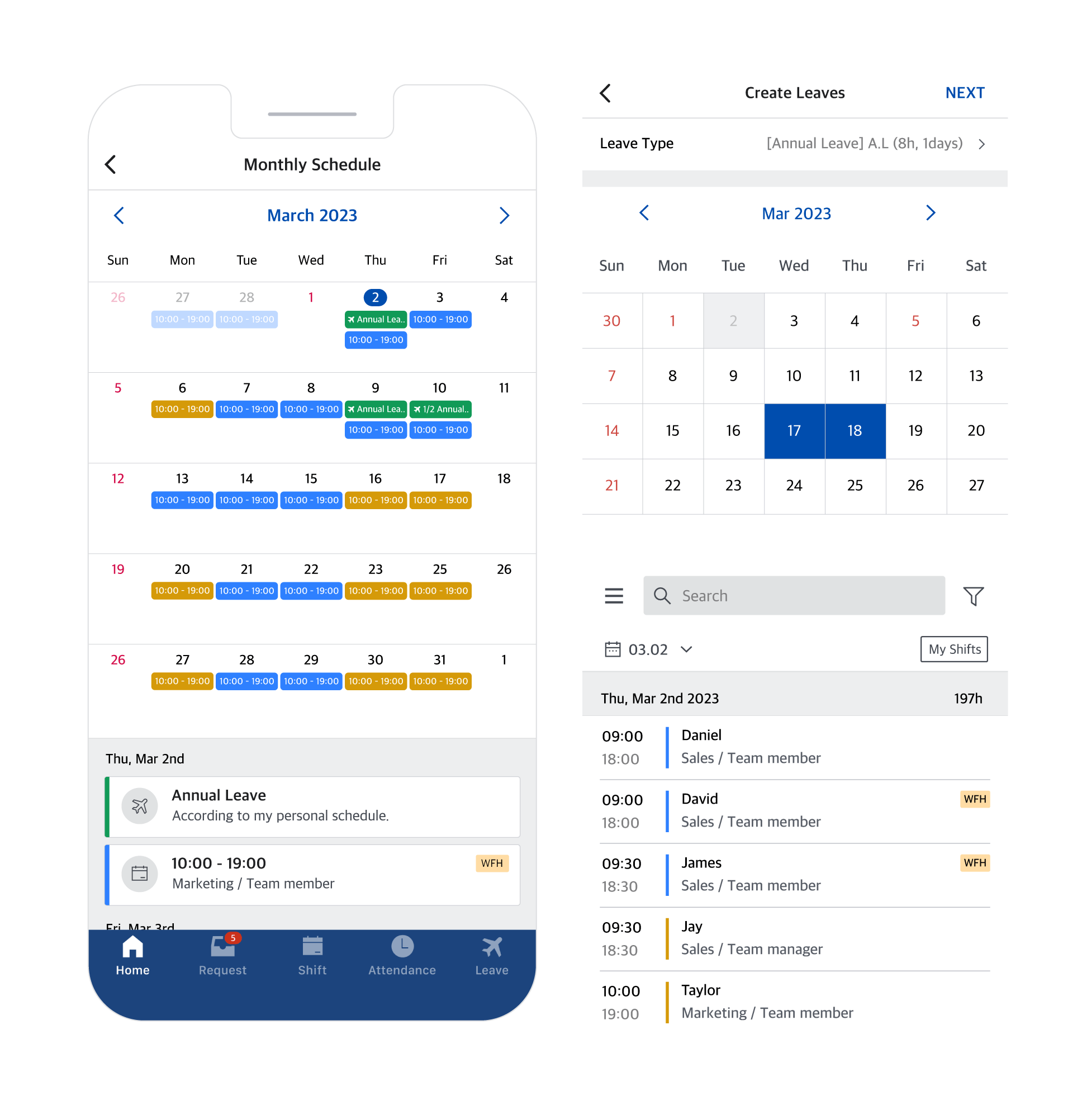
Shiftee supports WiFi, coordinate verification, and QR code authentication to accommodate a variety of work environments. It also provides additional features designed to support reliable clock-in and clock-out records. Companies can choose authentication methods that fit their operating environment and use them together with the management features they need.
1. WiFi-Based Authentication
Employees can clock in and out based on a registered WiFi environment using configured IP addresses. This method is well suited to workplaces with fixed locations, such as offices, and employees can record attendance through the mobile app.
2. Coordinate Verification
Location-based clock-in and clock-out authentication uses the employee's location at the moment they tap the clock-in or clock-out button and compares it with the registered workplace. It can be configured to support different work environments, including offsite work, field work, and remote work.
3. QR Code Authentication
Companies can print a QR code and place it at the workplace, allowing employees to scan it through the mobile app when clocking in or out. When the QR code is scanned, secondary authentication is also performed using the location coordinates or WiFi configured by the administrator, supporting accurate clock-in and clock-out records at physical workplaces such as stores and offices.
4. One-to-One Mobile Device Assignment
Each employee account can be assigned to a single mobile device. Access from devices other than the assigned device is restricted, helping prevent proxy clock-ins and clock-outs.
5. Biometric Authentication
When clocking in or out on mobile, employees can complete identity authentication provided by their device and operating system. Depending on the device, this may include facial recognition, fingerprint recognition, or iris recognition. Shiftee does not collect or store biometric information and only uses the authentication result provided by the mobile operating system.
6. Offsite Work Location Records and Clock-In/Out Outside Designated Workplaces
Multiple timeclock areas can be configured for each team/location, while employees can record offsite locations visited for sales or other field work. Employees can also request to clock in or out outside designated timeclock areas, allowing companies to support a variety of work environments across headquarters, branches, stores, and offsite locations.
7. Location Spoofing App Restrictions
Shiftee can restrict clock-in and clock-out attempts made using location spoofing apps. This can help organizations maintain more reliable attendance records.
Clock-in and clock-out authentication is more than a way to record when employees start and finish work. It is an important part of a company's attendance management framework. NFC or WiFi authentication can be effective for organizations with fixed workplaces, while coordinate verification can offer greater flexibility for companies whose employees work across different locations or multiple workplaces.
Shiftee is an integrated workforce management solution that supports WiFi, location-based, and QR code authentication. Companies can choose the clock-in and clock-out authentication method that best fits their work environment. Shiftee also provides one-to-one mobile device assignment, additional identity verification, multiple timeclock areas by team/location, offsite work location records, and clock-in and clock-out requests outside designated workplaces to support a variety of work arrangements. Companies can consider WiFi or QR authentication for primarily office-based environments and Coordinate Verification for offsite, remote, and other flexible work environments.
What matters most is not choosing one particular authentication method, but selecting the approach that best fits the company's work environment and operational needs. By considering organizational scale and work arrangements together, companies can use Shiftee to maintain accurate attendance records while adapting flexibly to changing work environments.
When citing the content, be sure to indicate the source according to copyright law.